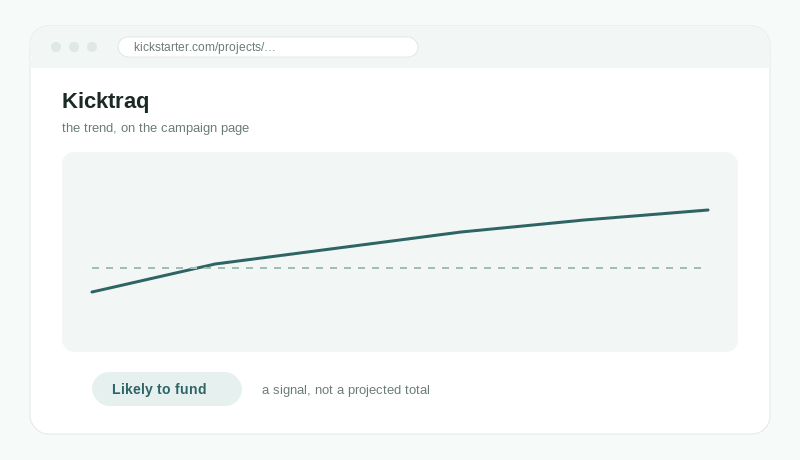

Kicktraq
The trendOn the pageA campaign's trend and a likely-to-fund signal inside the campaign page.
Not on the pageA projected total, the comments, the page copy, the margin.

Four browser extensions open on the same Kickstarter campaign page. Here is what each one puts there, what it leaves alone, and where their coverage overlaps.
Scope: the browser extensions, not the companies' websites.
Checked 24 November 2026.



| If you want… | Pick | Because |
|---|---|---|
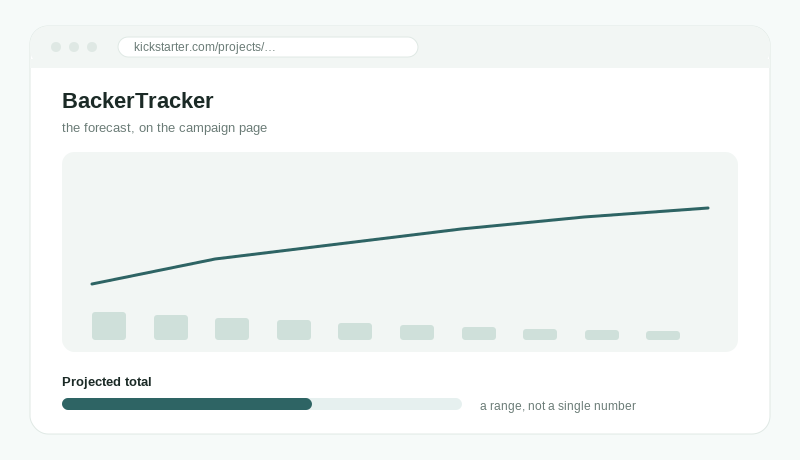
| Where this campaign will end | BackerTracker | A final-total range built from past campaigns. |
| Why it is stuck, and what to fix | KickFocus | Comment themes, unanswered questions and a product analysis. |
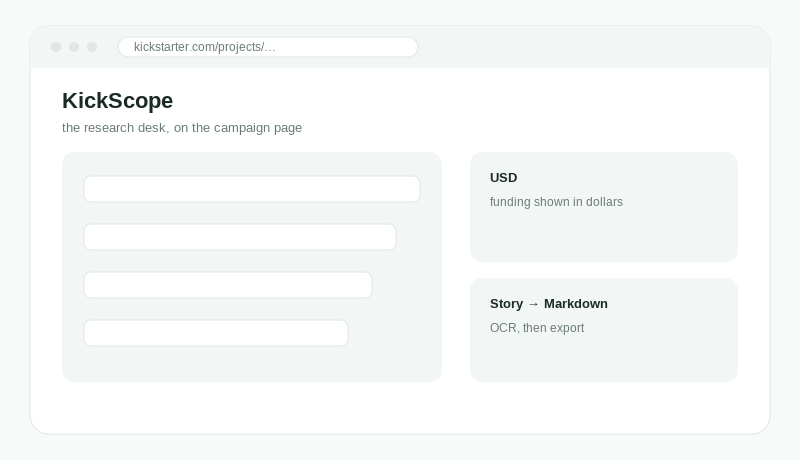
| OCR | KickScope | USD pricing, OCR and Markdown. |
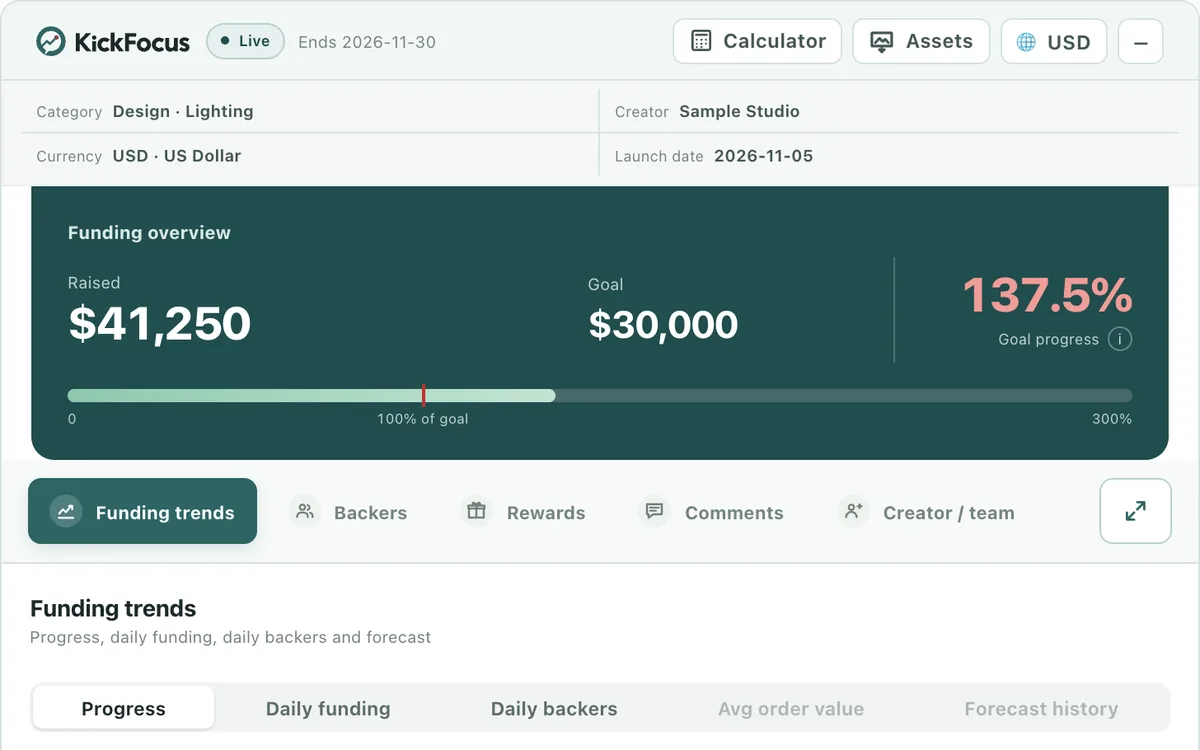
| One extension for all of it | KickFocus | Curve, band, tiers, comments, audit and margin in one panel. |
| On the page | KicktraqThe trend | BackerTrackerThe forecast | KickScopeThe research desk | KickFocusThe campaign in one panel |
|---|---|---|---|---|
| Reading the campaign | ||||
| Comment themes & analysis | ||||
| Product analysis | ||||
| Reward tiers | ||||
| Backer community | ||||
| Creator & team | ||||
| Campaign Listing | ||||
| AI reply drafts | ||||
| The fund | ||||
| Funding curve | ||||
| Forecast of the final total | ||||
| Profit, margin and break-even | ||||
| AI, OCR and export | ||||
| AI Analysis | ||||
| OCR | ||||
| Export | ||||
| Practical details | ||||
| Runs on | Chrome | Chrome, Firefox | Chrome | Chrome, Edge (Safari in progress) |
| Languages | English | English | English, Chinese | English, Chinese |
| Currency | Campaign currency | Campaign currency | USD | Campaign or 16 currencies |
Included Not offered
Checked on 24 November 2026 against each extension's own listing. A cross means the feature is not described on the pages the extension publishes.
The short version: BackerTracker for the total, KickScope for the tiers, Kicktraq for the trend, KickFocus when you need the page read and the margin.
The table above lists what each Kickstarter analytics extension can show, but the choice comes down to the question in front of you. Three checks settle most of it.
If you are backing a campaign, you want the trend and the comment thread: is this tracking, and what are backers worried about. If you are launching one, you want a product analysis and the margin before the campaign goes live. If you are researching a category, you want the tier math and an export you can work from.
A tracker reads the funding numbers. A research tool reads the reward table. KickFocus reads the comment thread and the page copy as well, which is where the reasons behind the numbers sit. An extension that shows a chart but not the comments can tell you a campaign is slowing; it cannot tell you why.
All four extensions read a Kickstarter campaign page; none of them needs you to export the page first. That makes a trial cheap: install one, open a campaign you already know, and see whether the panel answers the question you came with. Reading a campaign on KickFocus is free, so it is the easiest one to test against a campaign you have studied by hand.
One limit applies to all four: an extension reads what the page shows. It cannot verify whether the product is good, whether the creator will ship on time, or whether the campaign will fund.
Install KickFocus, open a campaign you already know, and read three things: the comment themes, the open questions and the product analysis. If the panel tells you something you did not already know, keep it. Then add the tracker that answers the number question you still have.
20 free credits when you sign up. Reading a campaign is always free.