
Kickstarter pages only.
It runs on kickstarter.com campaign pages and nowhere else.

InstallEdge
Version 0.9.7.55
Read every comment, audit the campaign page, and put the curve and break-even math beside it. Edge installs the same build from the Chrome Web Store.
Edge Add-ons does not list KickFocus. The Chrome Web Store listing is the install route, and Edge asks you to allow extensions from other stores the first time.
The same build as Chrome, from the Chrome Web Store, not Edge Add-ons.
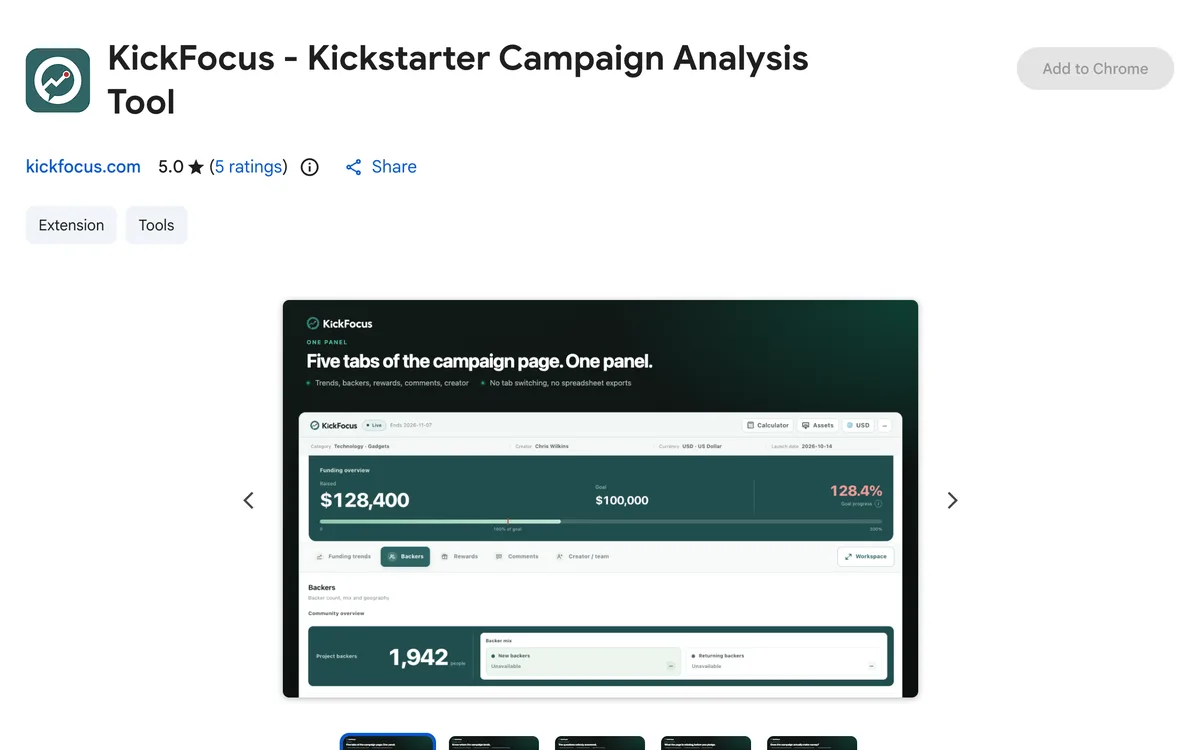
Open the listing in Edge, choose Add to Chrome, then Add extension. The first time, Edge asks you to allow extensions from other stores; choose Allow.
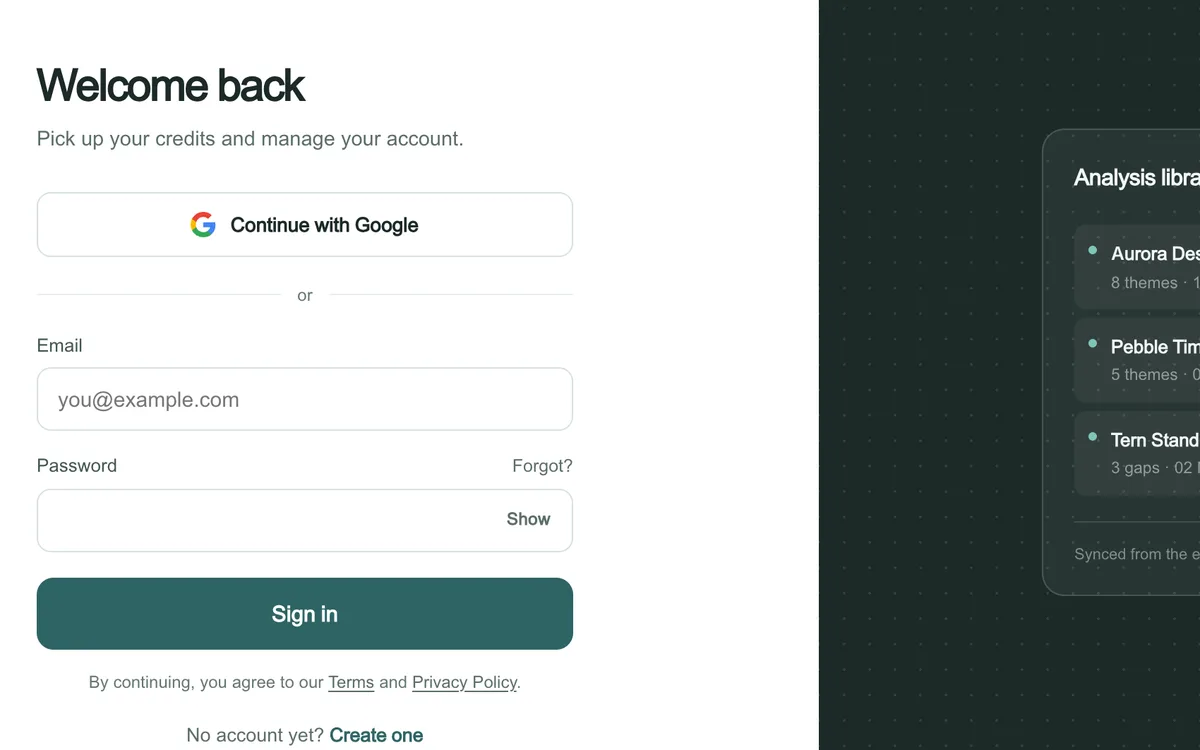
Use the same email and password so your credits match. Nothing is analysed before you ask for it.
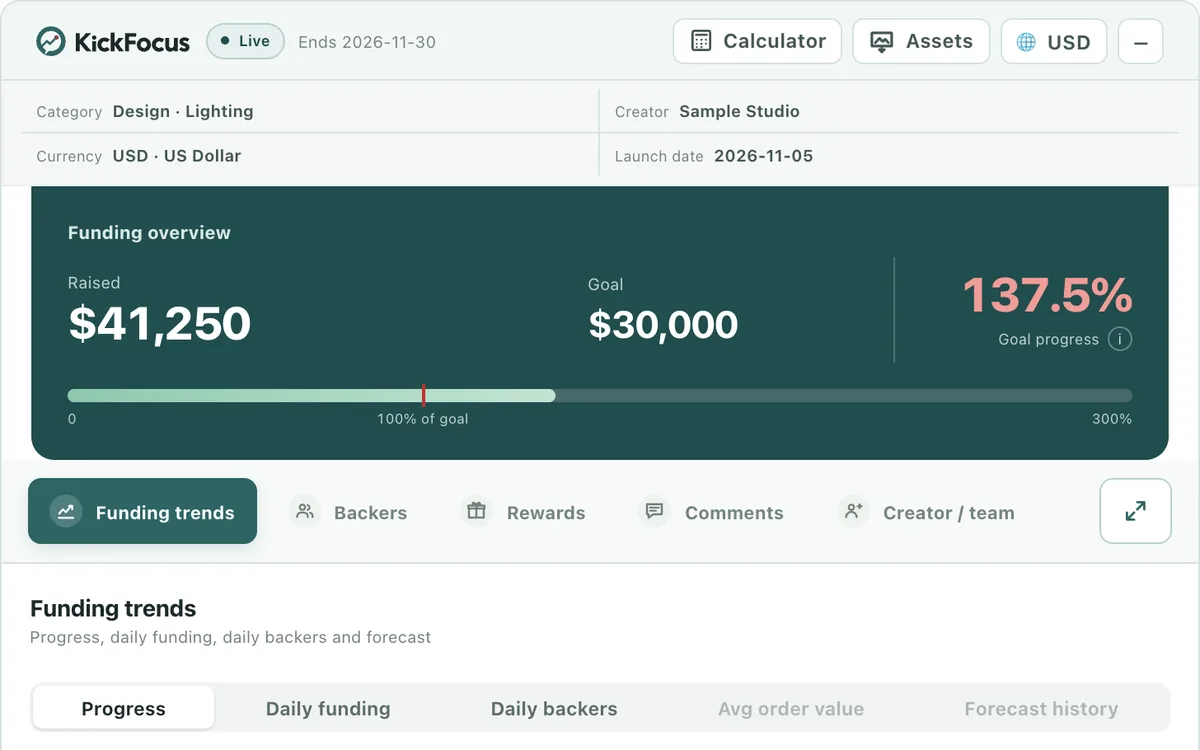
The panel sits above the campaign tabs and reads the page with the Kickstarter session you already have.
What it reads, what stays local, and what gets sent.
It runs on kickstarter.com campaign pages and nowhere else.
The page and its comments are read with the Kickstarter session you already have; that raw text does not leave your browser.
An analysis sends de-identified data to the AI provider only when you start one.
From the Chrome Web Store, quoted word for word.
The comment analysis feature is particularly interesting. Being able to identify common questions, concerns and unanswered comments can be very helpful for Kickstarter creators.
I appreciate the way KickFocus organizes funding trends, backer information and reward tiers. It makes understanding a campaign more straightforward and saves time during research.
Edge Add-ons does not list KickFocus. Edge installs the same Chromium build from the Chrome Web Store; the first time, Edge asks you to allow extensions from other stores.
Free to use. Every new account starts with 20 credits; a comment analysis costs 5, a product analysis 5, and an AI reply 1. Cloud Sync is the only subscription and is optional.
In the extension on the browser that ran them. With Cloud Sync they also sync to your account and appear in the web library; without it, the web library cannot show them.
Open edge://extensions and choose Remove. Analyses stored locally go with the extension; copies already synced with Cloud Sync stay in the account until you delete them.
More questions: Help center →
Install from the Chrome Web Store, open a campaign, and spend the first credits on something you were already going to back.
Add from Chrome Web Store